When several sellers offer the same products from the same wholesaler, price is often the only thing that decides. A bundle of your own is an offer of your own: you combine existing products into a set with its own EAN and sell something nobody else has in exactly that form.
- A bundle is a product of its own made from several products, with its own SKU and its own EAN.
- It takes you out of direct price comparison with sellers who stock the same single items.
- Bundle stock always follows the scarcest component.
- The selling price comes from a price template or is a fixed net price that stays put when purchase prices change.
- Without automation you risk overselling and margins that slowly shrink.
Why is it worth creating product bundles?
In dropshipping and wholesale, many sellers share the same source. Same product, same EAN, same images: on marketplaces these offers end up side by side, and the cheapest one wins. Playing along means giving up margin.
A bundle breaks that pattern. You put together a set from products you already carry and sell it under your own SKU and your own EAN. For customers it is a new product with its own value, for example a complete charging kit instead of three separate parts. For you it means less direct comparability, a bigger basket per order and a range that differs from your competitors’.
What types of bundles are there?
Three formats have proven themselves in practice:
- Device plus accessories: a main product with matching extras, for example power bank, charger and cable as a charging kit.
- Multipack: the same product several times, for example as a 3-pack. Here one product sits in the bundle with quantity 3.
- Bundle with variants: the same set in several versions, for example in red and in blue. Each variant has its own component list and therefore its own stock and price.
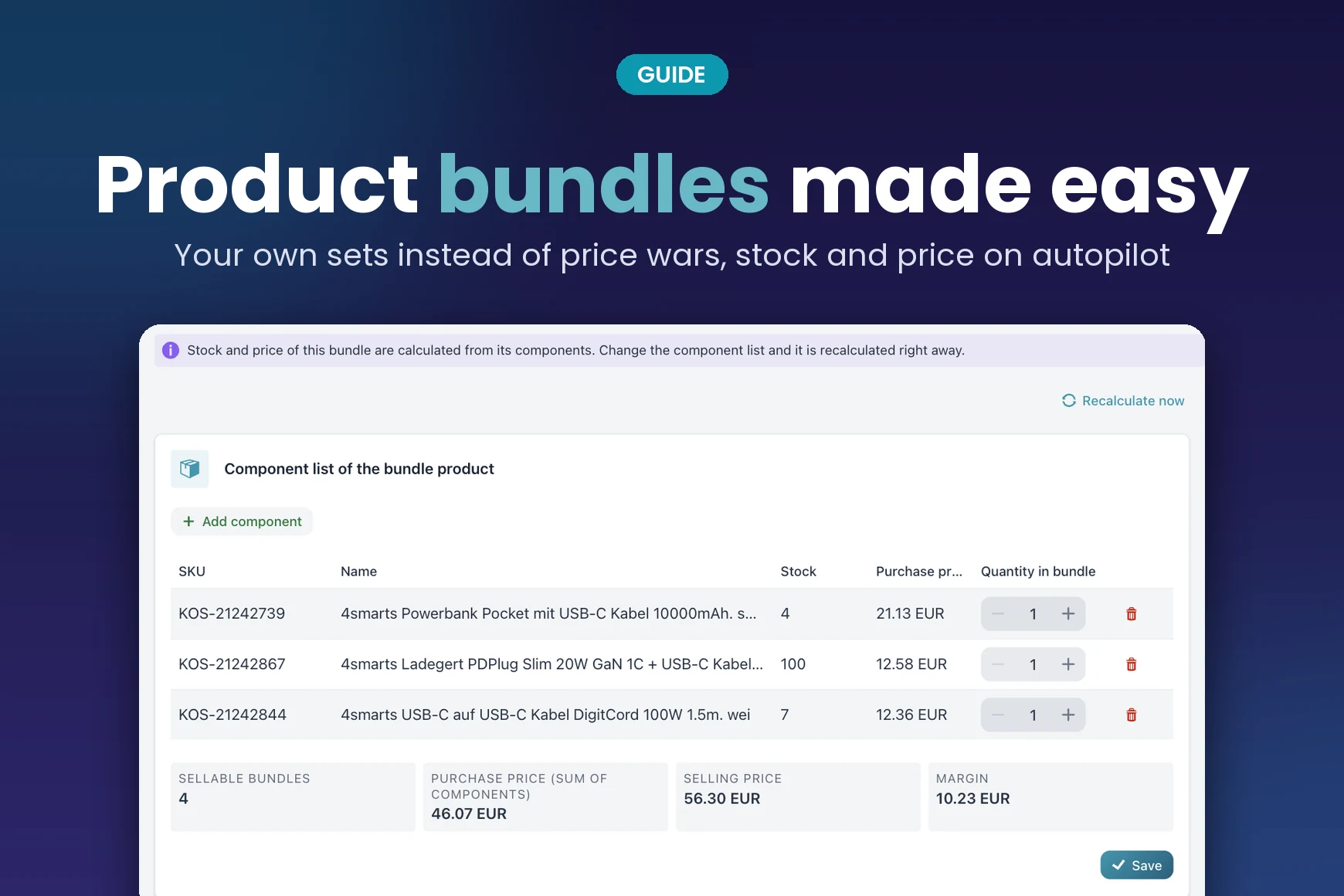
Pick components: (1) add products, (2) set the quantity in the bundle, (3) sellable bundles are calculated right away.
What are the pitfalls of bundles in an online shop?
Creating a bundle by hand is quick. Keeping it up to date is the real work, and that is where the typical mistakes happen:
- Stock gets sold twice. Bundle and single product draw on the same inventory. If you maintain bundle stock separately, you soon sell sets whose parts are long gone.
- Purchase price changes eat the margin. If a component gets more expensive, you often only notice on the set when you do the accounts.
- Duplicate SKU or EAN. Stock sync with marketplaces such as eBay and Amazon runs on these identifiers. A duplicate merges two products into one.
- A component disappears. If the supplier drops a product, the bundle still stays in your shop.
How do you calculate bundle stock?
The rule is simple: the scarcest component counts, taking the quantity into account. A set of a device with 8 units and a cable with 3 units gives 3 sellable bundles. A 3-pack with 10 units in stock also gives 3, because one unit is missing for the fourth.
What matters is that this value is not calculated once but recalculated every time the component stock changes. Otherwise it is wrong after the next supplier update.
A bundle is not extra stock. It is a different way to sell the same stock.
Import2Shop guide
How is the price of a bundle set?
The purchase price is the sum of the components, each multiplied by its quantity. For the selling price there are two sensible options:
- Via a price template: markups and rounding are stored, and the selling price follows automatically when a purchase price changes. This fits if you want to keep your margin as a percentage. Read more in our price calculation.
- As a fixed net price: you set the price yourself, for example for a promoted offer price. It stays put even when purchase prices change, so keep an eye on the margin.
Set the price: (1) price template or fixed net selling price, (2) fixed price in euros net, (3) selling price and margin at a glance.
How do you create product bundles with Import2Shop?
In Import2Shop you create bundles from the product overview with a wizard. In short:
- Master data: name, description, own SKU, EAN and manufacturer. Name and description can be optimised with AI.
- Components: search products or single variants by SKU, EAN or name and set the quantity in the bundle.
- Price: choose a price template or enter a fixed net selling price, plus the tax class.
- Category, attributes, variants: choose a category, add attributes and create variants with their own component list if needed.
- Images and finish: upload your own images, check the summary, create the bundle.
After that the bundle is a regular product and goes to your connected shops and marketplaces. You find all details on the page about product bundles in Import2Shop.
What happens automatically after creation?
The app watches the components and recalculates the bundle within a few minutes whenever something changes there. If a component’s stock drops, the bundle stock drops with it. If a component is removed or deactivated, the bundle goes to stock 0. If a purchase price changes, the set’s purchase price is summed up again and the selling price is adjusted via the price template; with a fixed net price the price stays put.
When a bundle is sold, the order import deducts the component stock, provided order retrieval is active for the channel.
A note on marketplaces: if you have set up separate price templates for a marketplace, they still calculate the price there from the purchase price. The fixed net price then applies to your shop.
Frequently asked questions
What is a product bundle?
A bundle is a product of its own that consists of several other products, for example a device with accessories or a multipack. It has its own SKU and its own EAN.
How do you calculate bundle stock?
The scarcest component counts, taking the quantity into account. A device with 8 units and a cable with 3 units make 3 bundles, a 3-pack with 10 units in stock also makes 3.
Does a bundle need its own EAN?
For marketplaces such as Amazon an own EAN is recommended so the set is matched as an offer of its own. SKU and EAN must be unique across all products and variants.
Can I set a fixed price for a bundle?
Yes. In Import2Shop you either choose a price template or enter a fixed net selling price. The fixed price stays put when the component purchase prices change.
Will stock be sold twice if I offer products both singly and in a bundle?
Not if bundle and single product draw on the same inventory. In Import2Shop both stock levels go down accordingly after every sale.
Can a bundle contain another bundle?
Not in Import2Shop. Components are always regular products or variants.

Wholesaler integration: build it yourself or use software?
Connecting a wholesaler to your online shop: a custom build is quick to estimate and slow to pay off. What an integration really involves, what it costs compared with an AI subscription and your own time, where customer data ends up and when ready-made software is the better choice.
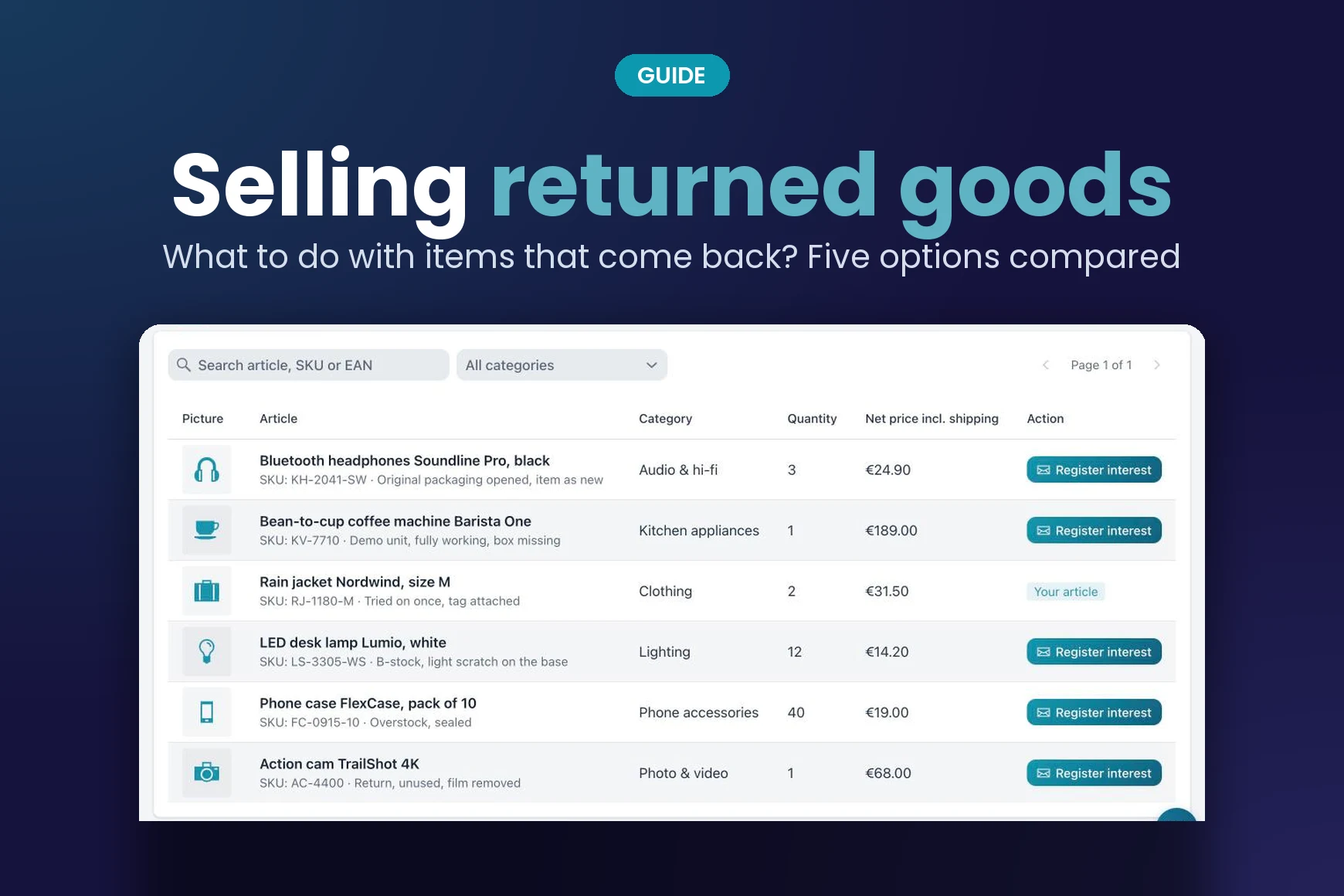
Selling Returned Goods: What to Do with Items That Come Back
Selling returned goods instead of storing them: five options for items that come back, what matters about the condition and how merchants pass returns on to each other.
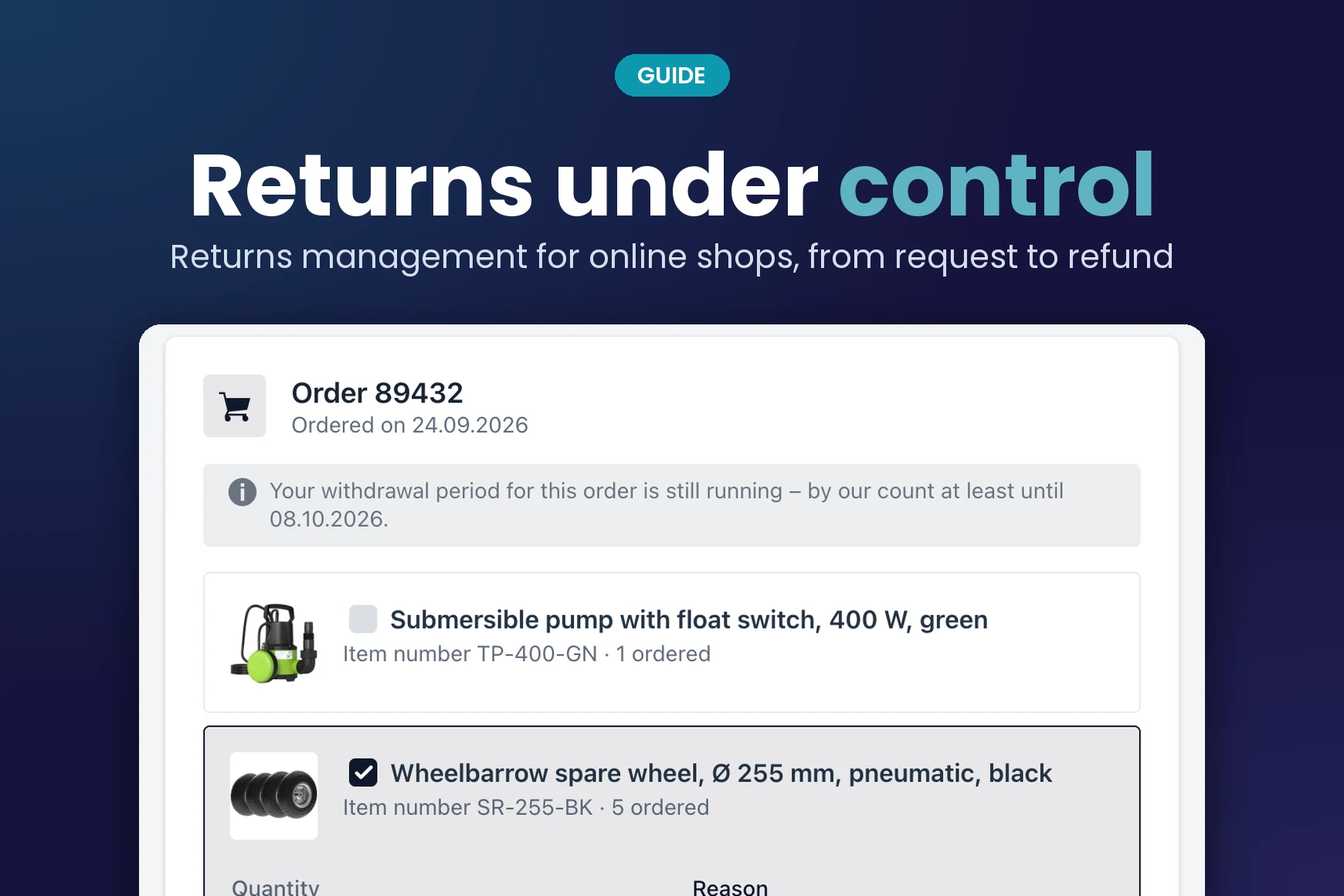
Returns Management for Online Shops: How to Keep Returns Under Control
Returns management for online shops: the five steps of a return, common mistakes with periods and return shipping, and how a returns portal brings order to the process.
Product bundles are included in every Import2Shop plan. See how stock and price keep up automatically.